See it work, start to finish.
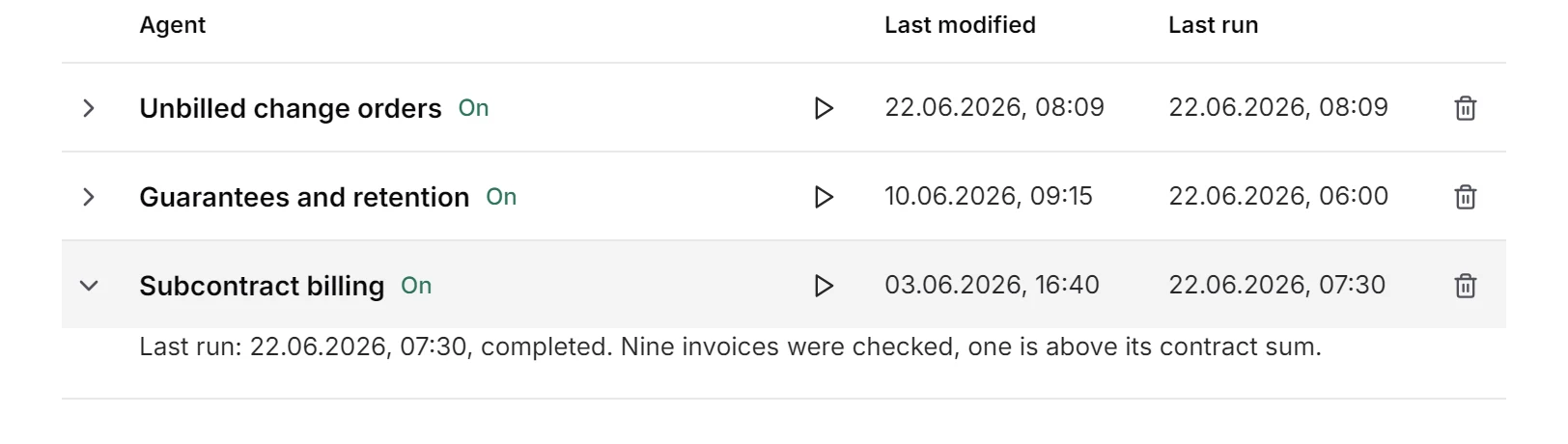
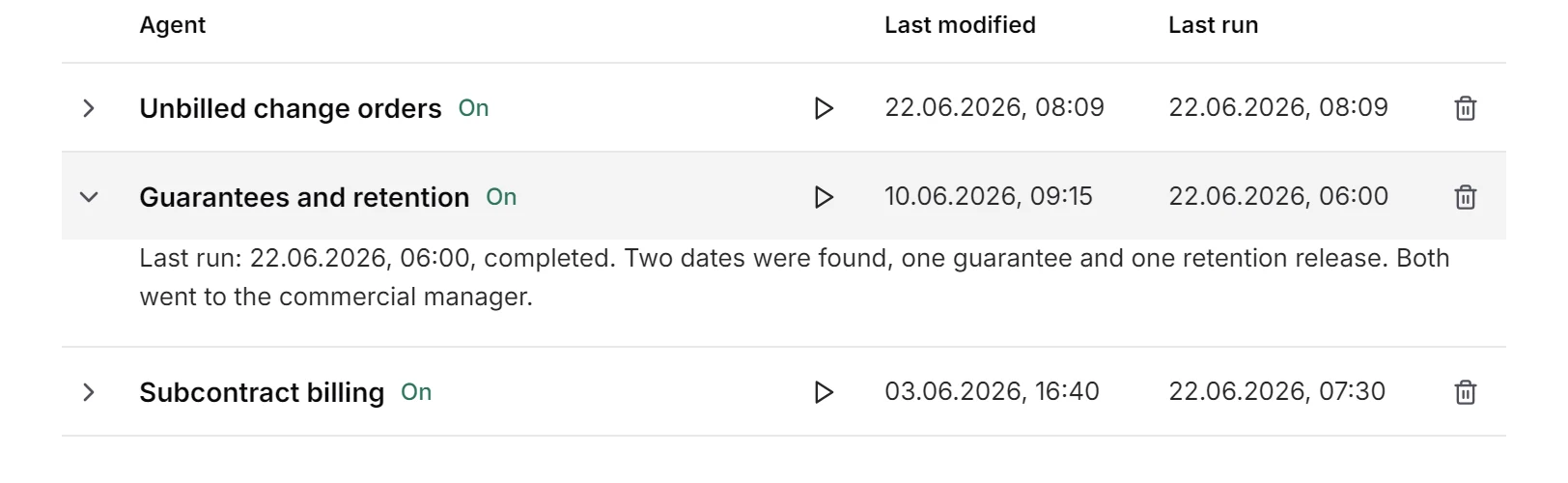
One change order, approved on site and never invoiced. Watch fluctor notice it, trace it, hand it to an agent and keep watch on all the others.
Brennan Build is an example of a general contractor. Its people make the calls, its agents do the paperwork.

A change order, approved on site and never invoiced. Here is what fluctor does with it, step by step.
On 10 June Mark Doyle of Calder Homes approves extra fire-stopping on level 3 by email. Twelve days later nobody has invoiced it. fluctor raises the signal: €18,600, with the email as its source.
Explore opens the project, Riverside Block B, and the signed site instruction. The accounting record lists change order 7, and next to it there is no invoice.
One click on Automate this opens the chat. The agent is described in a sentence: draft the invoice from the change order and send it to the client’s accounts address.
The first run stops before anything is sent. Invoice 1418 and the site instruction are in the draft; one click on Approve this run sends this one. With Always allow for this agent, the next ones go out on their own; otherwise each run is approved separately.
A sentence in the chat builds the dashboard of open change orders by project. €45,600 is still unbilled across four projects, and Riverside Block B shows as invoiced.
One change order, approved on site and never invoiced. Watch fluctor notice it, trace it, hand it to an agent and keep watch on all the others.
Every answer comes with the file it was read from.
No. Change order 7 was approved on 10 June and finished on 12 June. There is no invoice on file. Est. €18,600 outstanding.
Source: RE: Level 3 fire-stopping
On 30 June 2026, in 8 days. Two handover items for Ferris are still open.
Source: guarantee_ferris.pdf
From 13 July: 28 days after practical completion on 15 June, on written request. €126,000 is being held.
Source: main_contract_blockB.docx
Site instructions, contracts and cost reports stay in-house: hosted in the EU or entirely on your own servers.
A demo on your own projects, with your real inbox and files, not on slides.