See it work, start to finish.
One late supplier order, one customer order waiting. Watch fluctor notice it, trace it, hand it to an agent and keep watch on all the others.
Your Company Ltd is an example of a parts maker. Its people make the calls, its agents follow each order from the supplier to the payment.

A supplier order that is late and a customer order that waits for it. Here is what fluctor does with them, step by step.
Corbett Fasteners was to deliver PO 4471 by 21 May. On 26 May Dave Corbett writes that the earliest it ships is Wednesday 3 June. On 28 May fluctor raises the signal, Supply Chain Disruption, with his email as its source.
Explore opens PO 4471 and follows it to order #88 and to Halden Steel Ltd, the customer waiting for the second delivery. Dana’s email of 26 May about the new date is in the same file.
One click on Automate this opens the chat. The agent is described in a sentence: when a supplier delivery is late, ask for a firm date, tell the customer and tell Dana in purchasing.
The first run stops before anything is sent. The email to Corbett, with the purchase order attached, waits for a yes. Approve this run sends the three emails of this run; with Always allow for this agent, the next runs go out on their own.
A sentence in the chat builds the dashboard of late supplier orders. Three are late and €25,100 in customer orders is waiting on them; PO 4471 is seven days late.
One late supplier order, one customer order waiting. Watch fluctor notice it, trace it, hand it to an agent and keep watch on all the others.
Every answer comes with the file it was read from.
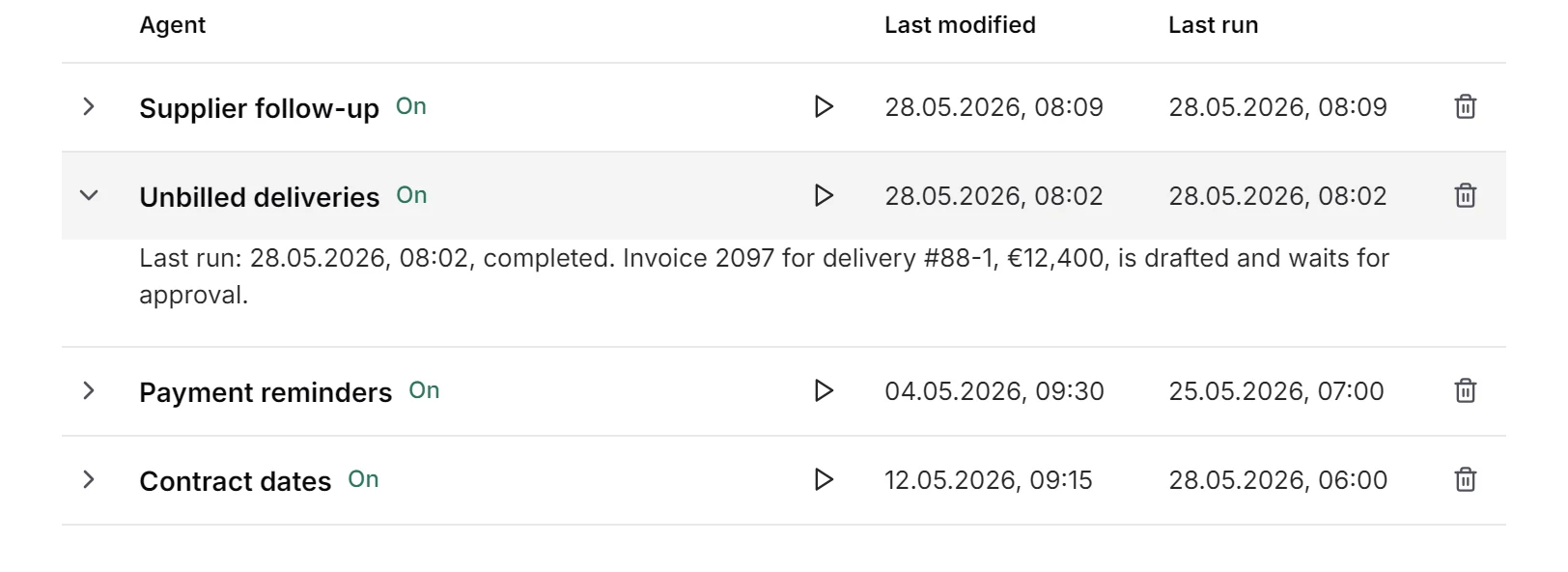
No. Delivery #88-1 was signed for on 14 May and there is no invoice on file. Est. €12,400 outstanding.
Source: delivery_88-1.jpg
Corbett wrote on 26 May: it won’t make week 21, the earliest they can ship is Wednesday 3 June.
Source: RE: delivery week 21, PO 4471
Clause 12 of the framework agreement: in writing, no later than sixty days before the anniversary. Without a notice, the prices run on for twelve months.
Source: framework_2024.docx
Orders, supplier emails and price agreements stay in-house: hosted in the EU or entirely on your own servers.
A demo on your own orders, with your real inbox and files, not on slides.